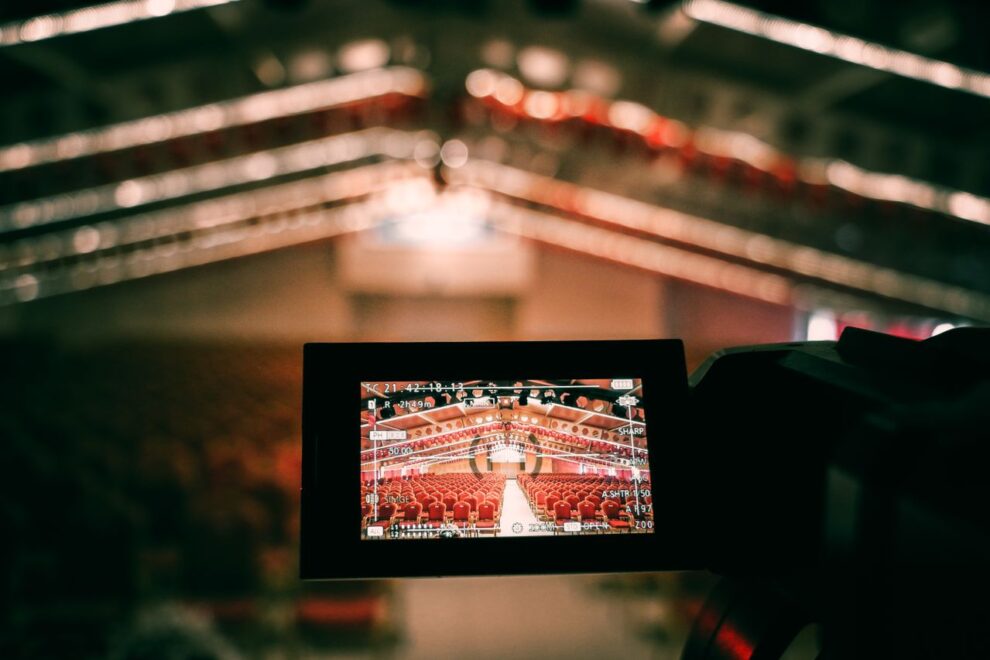
Streaming is an important part of modern business events as it allows you to broadcast the event to different people. As a consequence you can reach more audience members and spread your message further. For product launches this helps you get the news out to a wider spread of people – especially those within your target audience. For business conferences it increases the chances of journalists picking up the event and creating stories around it, which generates more publicity.
There are no disadvantages to streaming a business event, but what’s the best way to do it? With the right equipment, you can stream across various platforms and to different audience segments – so here are three different ideas you could utilize.
Stream Within Your Business Event
Incorporate live video solutions to stream what’s happening to screens throughout your business event. Why bother with this? Because it gives guests a better view of everything. It’s like how sporting events have big screens in the stadiums or arenas so fans can always look at the action, no matter how far away they are.
Think about it, your event could be in a small conference hall with only a hundred or so seats for people to look at the stage. There might be areas outside where guests can mingle, and this gives the perfect opportunity to set up more screens. Anyone who’s unable to get a seat can still watch it live while being part of your event. For bigger events, screens help people with poor views of the stage – there’s just no reason not to do this, honestly.
Stream On YouTube
YouTube is comfortably the biggest video-sharing platform in the world. If you ever want to look up a video, you go to YouTube. It receives billions of views every single day – and it’s completely free for anyone to use, which is great when you want to stream a business event.
Create a YouTube channel and set things up so you can livestream the event via the platform. If you learn how to manipulate the algorithm, or even invest in some YouTube advertising, you can draw in a pretty impressive audience. Of course, you’ll need to share this on your socials to make sure your main audience knows about it, but if you’re looking to stream for the most reach, YouTube is the obvious bet.
Broadcast a Vertical Stream For Socials
Don’t forget about all the popular social media platforms, specifically TikTok and Instagram. Lots of people will watch things on their phones, and this means you need to create a vertical stream for your event. This will be streamed using a vertical camera setup, so it fits a normal screen when someone’s watching a TikTok or Instagram Reel.
You can now go live on your socials and cater to any audiences who might prefer to watch content there.
What you’re doing with these three ideas is you’re tapping into all the different audience segments. In-event streaming ensures that everybody at your event gets a good view of what’s going on. YouTube streams are perfect for desktop users, while the vertical streams work well on your socials. It’s the ultimate way to spread the world – and it also helps everyone enjoy your event.

Add Comment