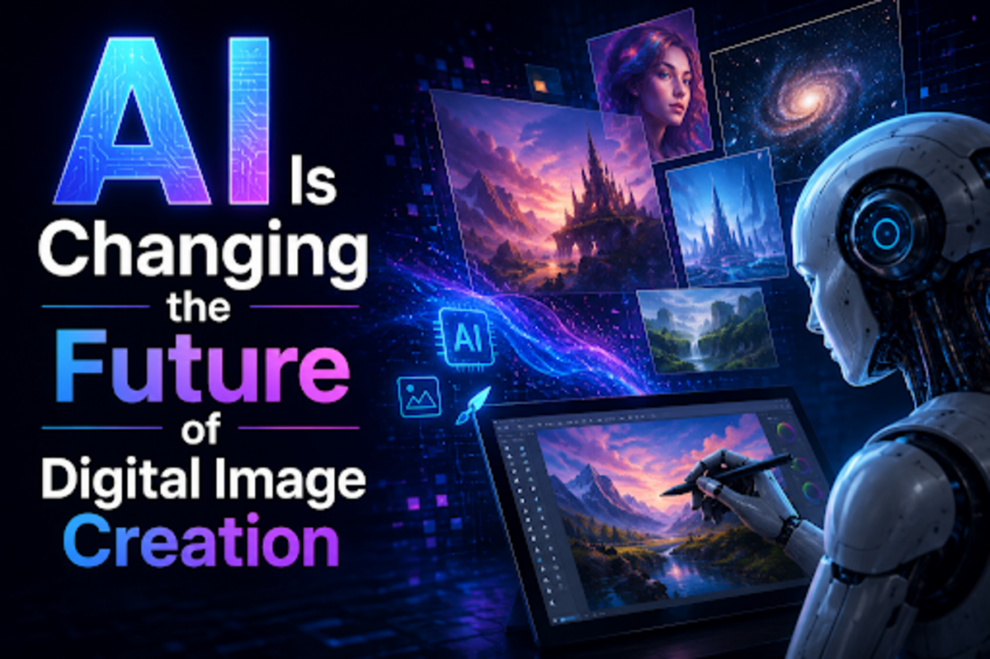
Artists used styluses, layers, and complex software. Now, much of that work happens automatically. This shift saves time and opens doors for people who never learned to draw. The result is a world where anyone can turn an idea into a picture in seconds. One major change is speed. A task that took a designer three hours can now take three minutes.
AI Eliminates the Requirement for Stock Photos
Stock photography used to be the only option for many small teams. They paid monthly fees for generic photos. Those same photos appeared on hundreds of other websites. This made brands look similar and forgettable. AI image tools solve this problem by generating fresh, unique pictures on demand. A person describes what they need, and the tool makes it. No two images need to be the same.
Photographers Are Starting to Use AI for Editing
A photographer can now import a batch of photos and let the tool handle basic fixes. The photographer still controls the creative vision. The tool just removes the repetitive work. Some AI systems can even suggest better crops or color balances.
This lets photographers take more paying jobs. They finish one project faster and move to the next. A GPT Image 2 image creation tool is not a replacement for a skilled photographer. It is a helper that handles the slow parts of the job.
Image creation tools:
Here are image creation tools:
1. GPT Image 2 (OpenAI)
This tool thinks before it draws. Unlike older models that guess pixels, GPT Image 2 plans the layout first. It then checks its own work. The result is 99% accurate text in images. Posters, menus, and infographics come out ready to use. No fixing misspelled words in Photoshop.
2. Nano Banana Pro (Google)
This tool excels at keeping the same face across many images. A character looks identical from every angle. This is rare in AI art. The tool also edits existing pictures. A person draws a rough circle on a photo.
3. Adobe Firefly
This tool is designed for professionals who are concerned about copyright issues. Firefly trains only on Adobe’s own licensed stock and public domain art. Every output is commercially safe. A designer can sell the image without legal worry. The tool lives inside Photoshop and Illustrator.
4. Midjourney
This tool is the most creative option on the market. It does not try to look like a real photograph. Instead, it makes dreamlike, artistic, and strange images. The style is instantly recognizable. Many users say Midjourney has a “personality.”
5. Canva Magic Media
This tool is the easiest way to start. Canva hides all the technical complexity. A user types a sentence. The image appears. No settings for samplers or CFG scales. The free plan has daily limits, but the interface is clean. Canva does not train its AI on user uploads. Privacy is strong.
AI Supports Video Game Creators
Video game worlds need thousands of images. Each tree, rock, and building requires art. Making all of that by hand takes years. AI tools can generate background assets very quickly. A designer makes a few base models. The tool creates hundreds of variations. Trees look slightly different.
Conclusion
Not every AI image is ready to use. Mistakes are common. Hands often look wrong. Teeth can appear strange. Small text inside an image is usually gibberish. A smart user checks everything before publishing. Look at the edges of objects. Look at shadows. Look at reflections. Always read the terms of the tool. Some tools give full ownership. Others do not.

Add Comment