



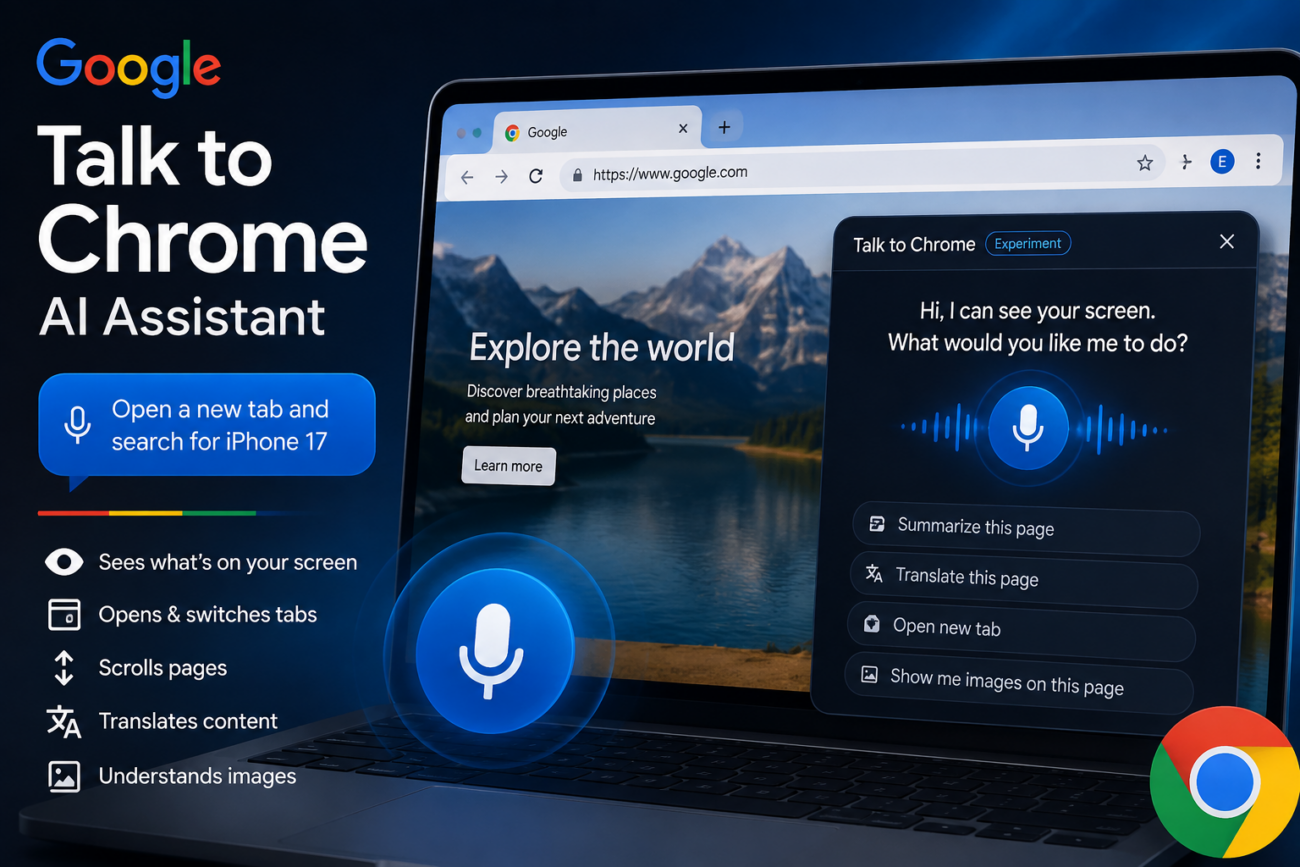
Imagine being able to talk directly to an AI Assistant to help you get things done quickly in your browser. All you need to do is say exactly what you need and the system will take care of the rest. This approach not only eliminates the need for endless clicking but also reduces unnecessary typing. How convenient would this be for handling issues quickly? Well, that future is almost upon us. According to reports, Google is now testing a new voice-controlled AI assistant inside Chrome, codenamed ‘Talk to Chrome ’.
Understanding How Google’s “Talk to Chrome” AI Assistant Will Work
According to a new report posted by @Leopeva64 on X, the giant tech company is now testing a new feature that’ll allow users to interact directly with AI assistants in Chrome. The post noted that the feature was discovered inside the latest Chrome Canary build. Additionally, the popular browser tipster also posted a video demo of how the ‘Talk to Chrome’ AI assistant feature will work in Google Chrome.
When describing the feature, Leopeva64 said it looks exactly like a widget. When rolled out, the new Google ‘Talk to Chrome’ AI assistant will be able to speak with you. Besides, “it’ll also be able to see what you see, scroll pages, switch or open tabs, translate, and process images on your command,” as noted by the tipster. Furthermore, you also have control over how you want the widget to display (visible or invisible).

The feature comes with a red circular control that allows you to interact with the AI tool. That’s not all; the AI tool also comes with “Remembered Notes” and a “Persona” option. By opening the notes, the system automatically redirects you to a simple page that allows you to add key-value pairs for the assistant to remember.
Moreover, the new Google ‘Talk to Chrome’ AI assistant also has a menu, which you can toggle for Input/Output captions. With this option, every spoken word will appear as text on the screen.

A similar feature is coming to the Android browser
As noted by @Leopeva64, Google is already working on a similar feature for Chrome on Android devices. Sighted in a Chrome Canary setting, there’s a feature that users can select to gain control over whether or not the browser should share their browsing data with on-device intelligence features.

For now, only a few selected users have access to this feature. This is likely because it’s currently not in its stable version. We’ll continue to keep an eye on Google for the stable version and as soon as it’s available for everyone, you’ll be the first to know about it.
Well, the Google ‘Talk to Chrome’ AI assistant is just one of the many new features that Google is currently testing. Another interesting one is this update, in which Google is testing a feature that auto-changes weak passwords in the Chrome browser.