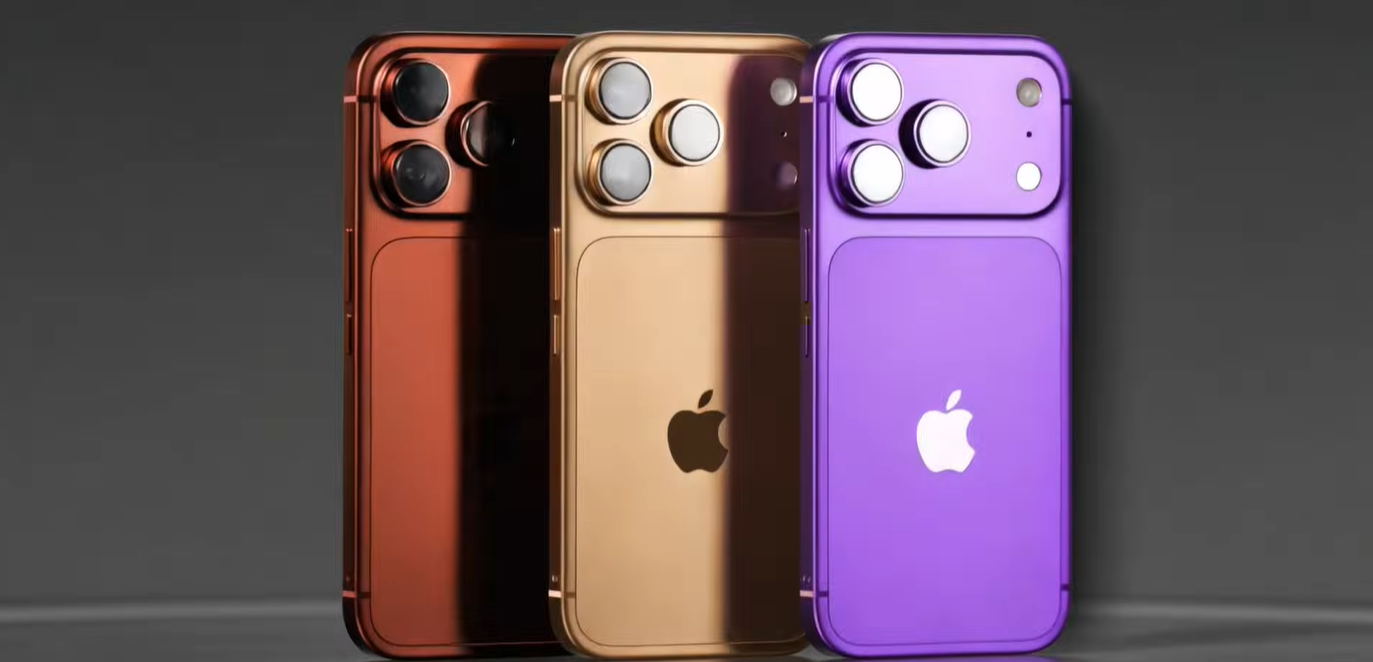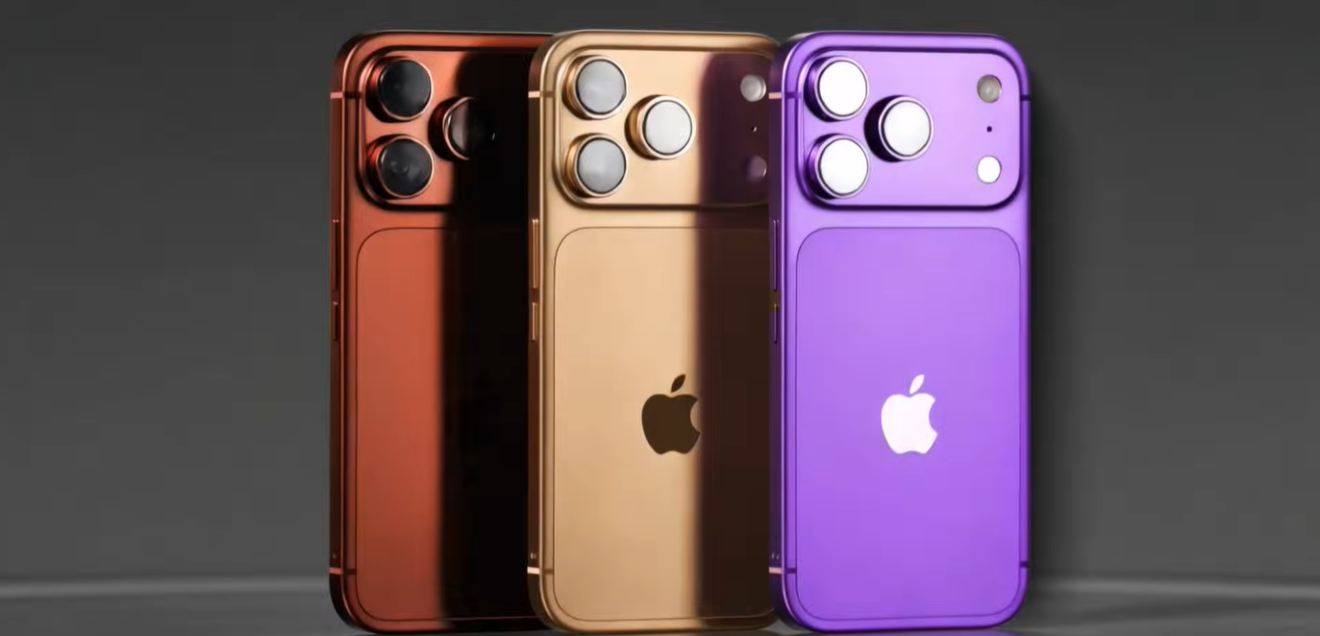



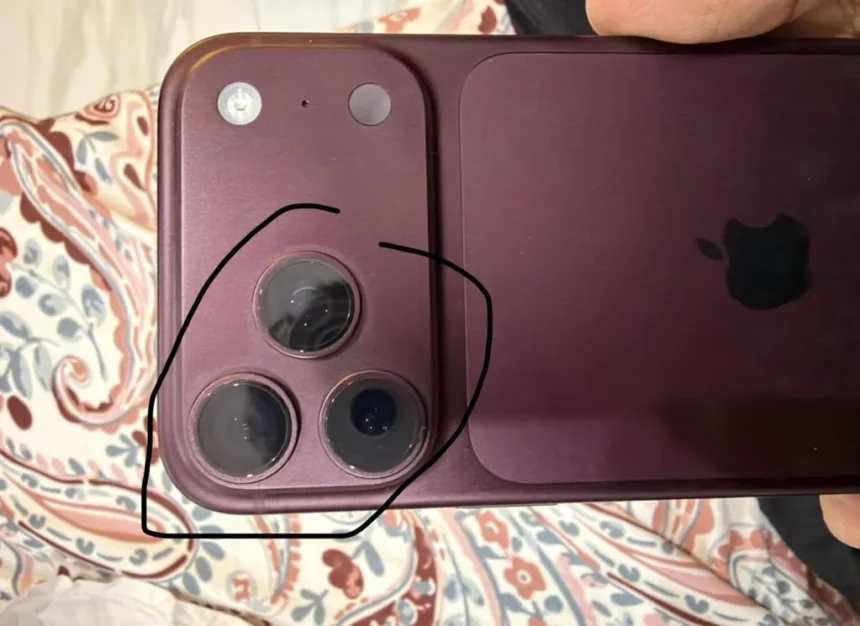
Weeks after its official launch, iPhone 18 Pro users are claiming that the premium £1,199 flagship is actively changing color, with some reporting discoloration around the camera lens. Most reports concern the Burgundy and Deep Black variants. While some users claim it is a widespread manufacturing defect, experts suggest the issue is related to the phone’s finish.
Why is the iPhone 18 Pro changing colors?
The core issue stems from the science behind the interaction of natural oils from human skin and Apple’s updated, uniform exterior finish. For the iPhone 18 Pro lineup, Apple altered its manufacturing process to reduce color contrast between the metal frame and central back glass panel. Tech experts note that the change in colour of the Burgundy and Deep Black phones is caused by the finishes readily attract fingerprints.
When natural skin oils accumulate on the dark matte coating, it results in light refraction across the surface. On the Burgundy variant this displays as deep red or purple tones, resembling a “grungy, weathered look”. Users initially interpreted this color change as permanent fading or discoloration.
Experts say that this change in tone is temporary and can be addressed by wiping the device with a dry microfiber cloth. The cloth entirely removes the oil buildup and restores the color to its original out-of-the-box factory tone.
Another factor responsible for this change in tone is Apple’s deliberate design model. The iPhone 18 Pro series features a color-matched, tinted glass back that shifts tones under different lighting conditions. The Burgundy color specifically has dynamic lighting characteristics. Under direct sunlight, it appears maroon, while its color shifts to purple-black in low light settings. Under mixed lighting, one side of the phone can look completely different in tone from the other.
How to protect your phone’s finish?
Users of the iPhone 18 Pro series are advised to avoid exposing their devices to harsh chemicals. This includes bleach, aerosol sprays or hydrogen peroxide-based sanitizers. To wipe the screen, users should only use 70% isopropyl alcohol or 75% ethyl alcohol wipes.
If constant maintenance and upkeep are difficult, users should opt for lighter variants such as the Glacier Blue and Silver models. The design of these models is less likely to show fingerprints.