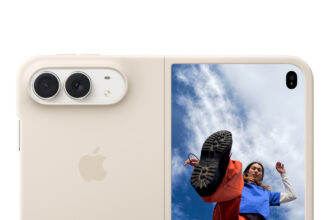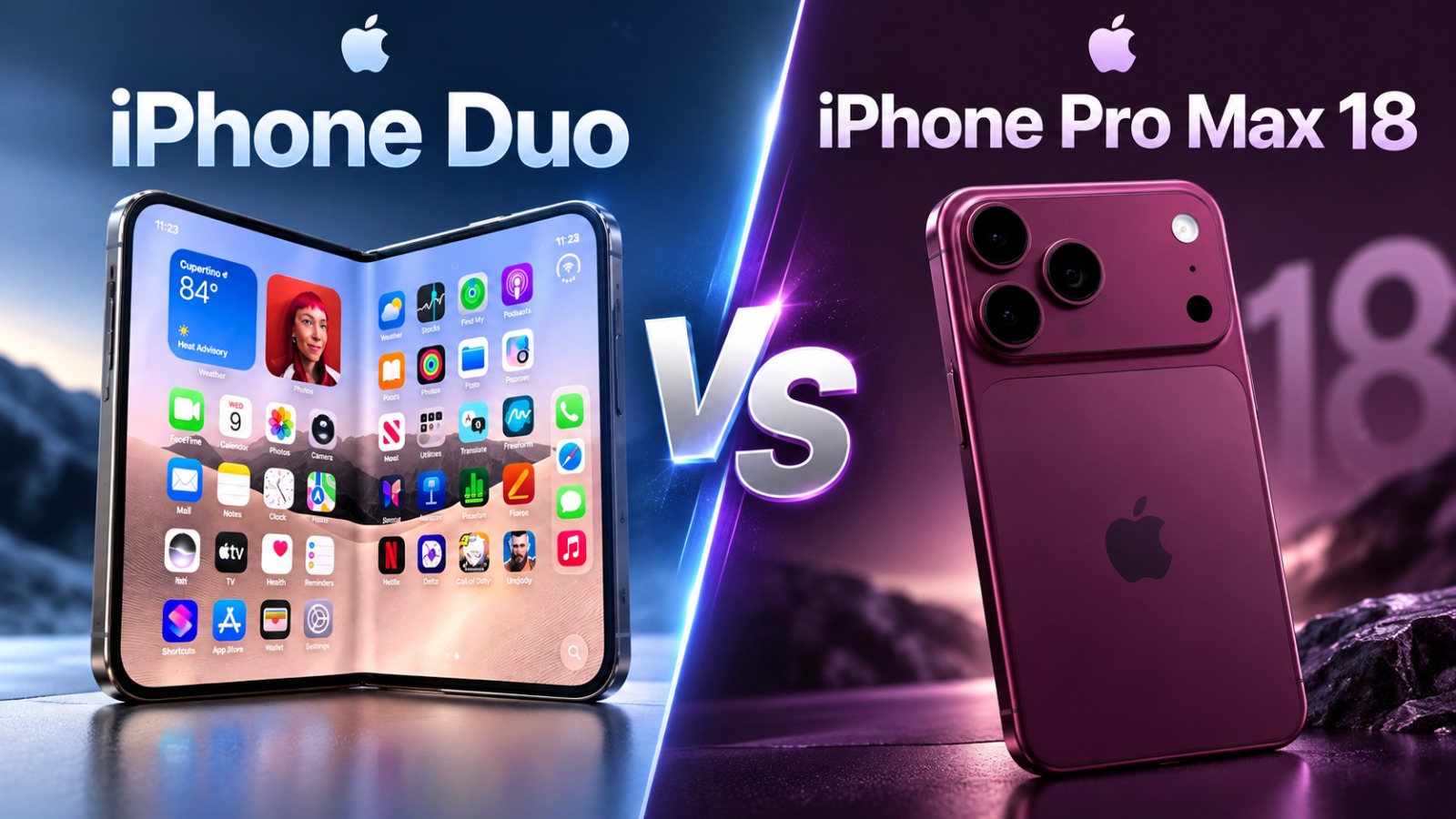



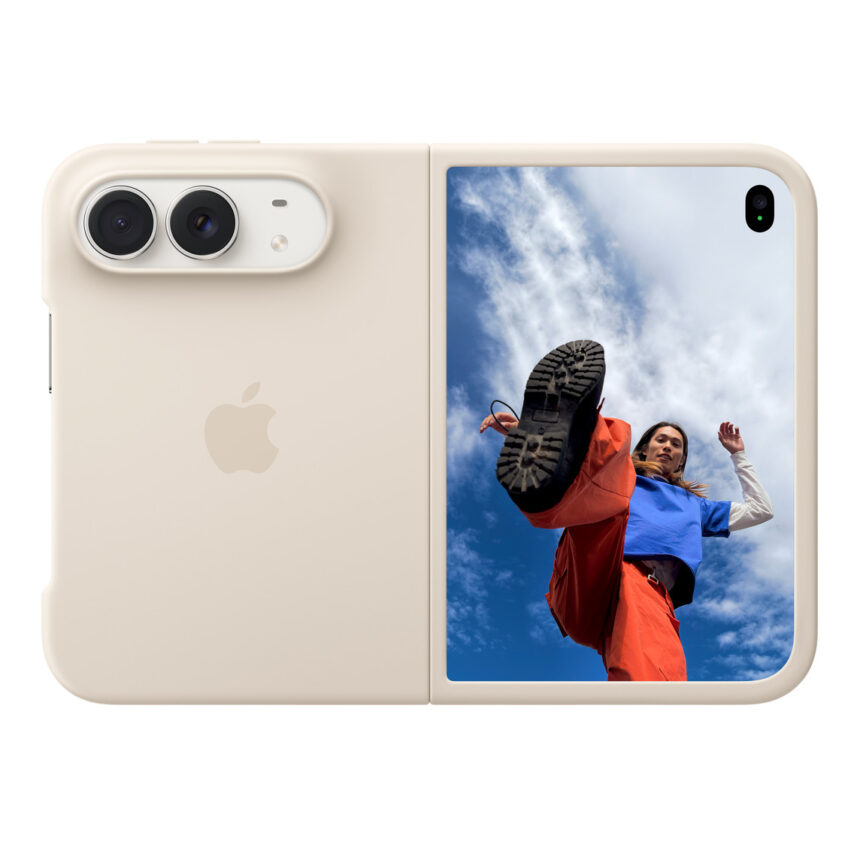
Apple’s $1,999 iPhone Duo is facing complaints about cracked inner displays just days after its October 23 launch. Some early buyers say the folding screen failed during ordinary use, prompting users on social media to dub the problem “crackgate.”
Apple has now acknowledged the issue. In an October 26 statement to 9to5Mac, the company said a small number of devices were affected and advised owners experiencing display problems to contact AppleCare for a replacement. Customers do not need a paid AppleCare+ plan to receive a replacement for this particular problem.
What owners are reporting
The complaints describe cracks near the central fold, sometimes accompanied by bright lines extending across the display. Some owners say the failure happened when opening or closing the phone, with an audible crack or pop.
One owner reported a failure within six hours of buying the device. Another said the screen broke before setup was complete. These accounts describe unusually early failures, although they do not establish how common the problem is across all devices sold.
Apple has described the affected number as small but has not provided a numerical failure rate in its statement. That leaves an important question unanswered for buyers: whether the complaints are concentrated in a limited batch or reflect a broader problem.
What could be causing the screen damage?
Repair specialist iFixit’s teardown offers a possible explanation. After examining the hinge using teardown footage, CT scans and a three-dimensional model, its team identified an area where several components meet beneath the display.
In one simulation, a central support bar did not move down far enough as the phone closed. The folding screen pressed against it, creating a concentrated stress point near the reported damage location.
That remains a theory, rather than a confirmed diagnosis for every failed device. The teardown helps explain how pressure could damage the screen, but does not establish that all affected phones share the same fault.
How to request a replacement or repair
Owners whose displays have cracked or developed lines should contact Apple promptly and explain exactly how the problem appeared.
- Document the fault. Photograph the screen and the phone’s exterior using another device. Note when the issue started, whether it happened while folding the phone and whether there was any previous impact or liquid exposure. Keep your purchase receipt and support case number.
- Contact Apple Support. Use the Apple Support app or visit Apple’s support website. Describe the inner-display problem and ask for an assessment under Apple’s announced replacement guidance. Owners who purchased through a carrier can also contact Apple directly about this issue.
- Arrange an inspection. Apple offers service through Apple Stores, authorized service providers and mail-in options, depending on location. Confirm the arrangements before visiting; service availability and replacement timing can vary.
- Back up the phone before handing it over. Follow Apple’s preparation instructions, including the appropriate Find My repair settings for your software version. Bring proof of purchase and identification. If the damaged display prevents you from completing a step, tell support. Never share your Apple Account password or device passcode.
Owners can check their recorded coverage under Settings → General → AppleCare & Warranty, or through Apple’s coverage checker.
Will customers have to pay?
Apple’s standard one-year limited warranty covers defects in materials and workmanship during normal use. Accidental damage is handled separately, and Apple will assess the device before determining the applicable service route. Local consumer rights may provide additional protection.
For context, iFixit’s published breakdown of Apple’s US pricing lists an out-of-warranty inner-display repair at $999, with a $99 AppleCare+ fee for eligible inner-display damage. Those figures should not be presented as the automatic charge for customers affected by the acknowledged defect.
If support quotes a paid repair, ask whether the failure has been assessed under the acknowledged display issue and request an explanation of the coverage decision before authorizing work.
Can buyers request a refund instead?
For purchases made directly from Apple in the US, the standard return period is 14 calendar days from receipt, subject to Apple’s return conditions. Purchases from carriers or other retailers follow the seller’s return policy, while customers elsewhere should check their local terms.
A warranty claim and a standard return are separate processes. Buyers seeking a refund should contact the seller within the applicable return window and disclose the display fault. Returning a phone also does not automatically cancel an associated mobile service agreement.