


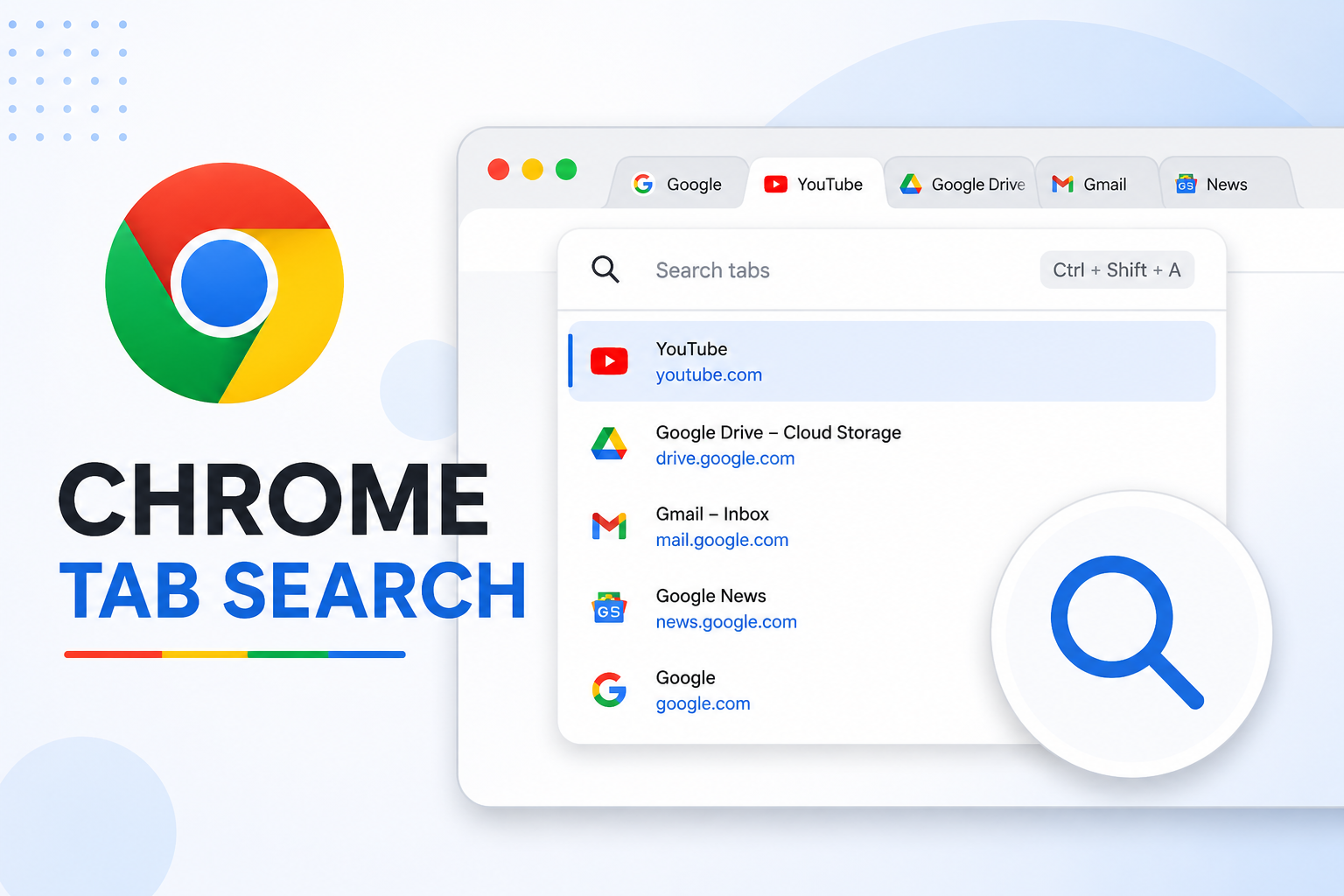
If you’re pretty familiar with the Chrome Tab Search button, you’ll agree that Google has moved it a few times in the past. Recently, the tab search icon was positioned on the left side of the horizontal tab strip. But according to new reports, it seems the Google team is no longer experimenting with the positioning of the tab search button. Unfortunately, this is a hardcore interface update. This means users cannot remove the Google Chrome Tab search icon from its current position to the right.
Users can’t move the Chrome Tab search icon, Google engineer reveals
If you’re like many other users, you’re likely considering using a simple toggle to move the search icon from its current position. Well, you need to understand that this modification is no longer possible. According to a Google employee, users can no longer remove the Google Chrome Tab search icon from its current location to a new one.
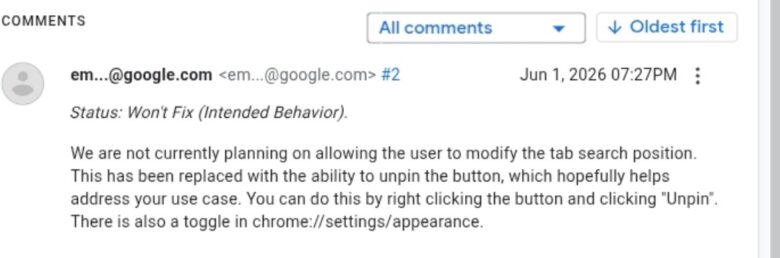
The Google engineer said the team is currently not allowing users to modify the tab search position. Instead, the functionality has been replaced with the ability to unpin the button. Unfortunately, this new development doesn’t sit well with many users. As such, the affected people have been airing their frustrations across various social media platforms.
Most users said the new positioning makes it highly inconvenient for them to access critical webpage content. This issue arises when you open the tab’s drop-down. Now, users are begging the engineers to remove the Google Chrome Tab search icon from its current position on the right side.
What you can do
From the Google engineer’s response, it’s obvious that the team already decided to keep the positioning fixed. The engineer marked a user’s complaint as “Won’t Fix”. Additionally, the engineer also closed the thread, meaning there’s no room for modification of the tab’s position.
With that, the only thing users can do is to hide the button. To do this, all you need is to right-click the empty space in the tab strip. After that, choose “Unpin”. This immediately removes and hides the Google Chrome Tab search icon.
If hiding the tab doesn’t work for you, we recommend leaving the tab icon as it is. In this case, all you need to do is try retraining your brain to avoid clicking it unintentionally.